
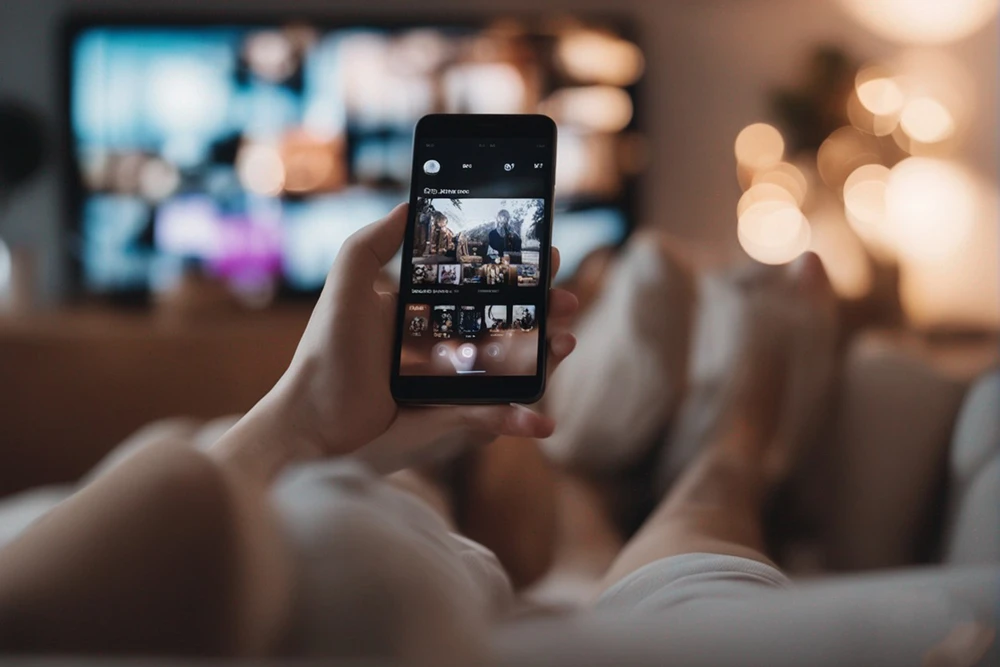

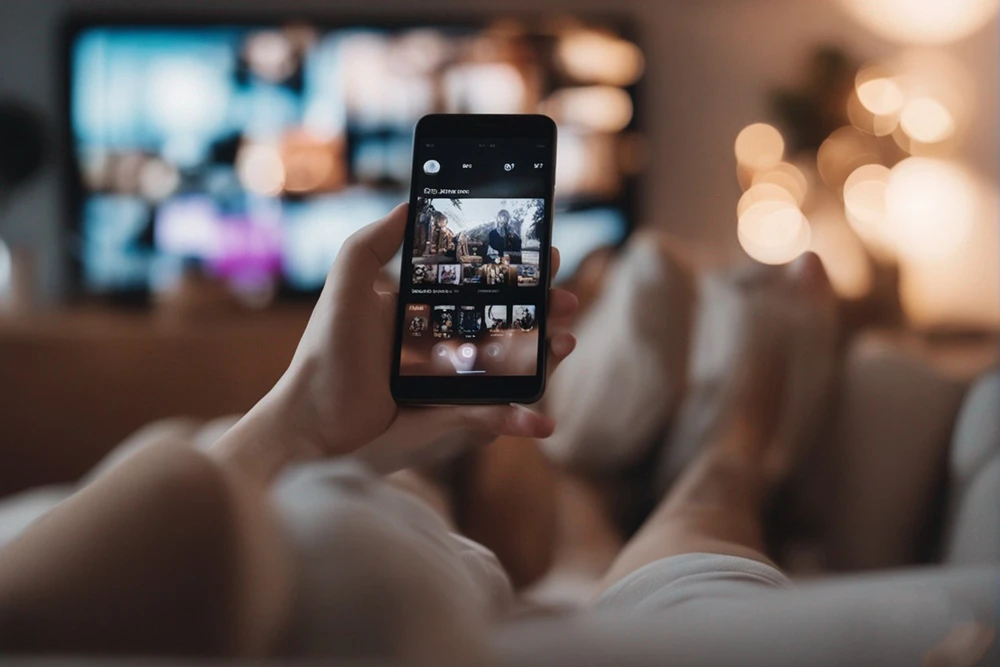
In today’s fast-paced, mobile-first world, watching iptv on android phone has become an absolute daily routine for millions of users worldwide. The incredible ability to carry thousands of live television channels, the latest blockbuster movies, and top-rated on-demand series right in your pocket offers an unparalleled level of convenience and freedom. Whether you are commuting to work on a train, waiting for a friend at a cafe, or traveling across the country, your smartphone can instantly transform into a powerful, portable home theater. In this comprehensive guide, we will explore everything you need to know about setting up, optimizing, and enjoying the ultimate mobile streaming experience.
The Evolution of Mobile Streaming Technology
Gone are the days when watching high-quality television meant sitting in your living room strictly tied to a traditional cable box. The rapid rise of 5G mobile technology and highly advanced mobile processors has completely revolutionized how we consume media on the go. Watching iptv on android phone is now smoother, faster, and more reliable than ever before. The official Android operating system provides developers with a robust open-source platform, resulting in highly optimized media players capable of handling complex 4K video streams and high-bitrate live sports events without breaking a sweat or crashing.
Best Applications for Your Mobile Device
To get the absolute best experience when watching live TV on your smartphone, you must choose the right application. Not all streaming apps are perfectly optimized for touchscreens or smaller displays. Here are the top performers for mobile users:
- IPTV Smarters Pro: This is arguably the most popular app for mobile users globally. It offers a clean, user-friendly interface tailored specifically for touch navigation.
- Televizo: Televizo is highly recommended for mobile screens due to its ad-free design and easy gesture controls (like double-tapping to skip or swiping for volume).
- XCIPTV: Known for its extremely lightweight coding, XCIPTV is perfect for older or budget smartphones. It loads massive M3U playlists in just seconds.
How to Save Mobile Data and Extend Battery Life
Streaming high-definition video content can consume a massive amount of mobile data very quickly. If you are watching iptv on android phone using your cellular network (4G or 5G), you need to be mindful of your monthly data caps. Most premium applications allow you to adjust the video resolution. Switching the stream from 1080p to 720p can save you gigabytes of data over a month while still looking perfectly sharp on a 6-inch mobile screen.
Furthermore, battery drain is a common concern for mobile viewers. To significantly extend your battery life while streaming, lower your screen brightness by 20%, close all unnecessary background applications, and ensure you use “hardware decoding” inside your player’s settings instead of “software decoding.”
Why You Must Choose a Premium Provider
Even if you own the newest, most expensive flagship smartphone, your viewing experience will be terrible if your provider relies on slow, overcrowded servers. Free playlists found online are notorious for freezing, buffering, and sudden disconnections. For a truly flawless mobile experience, you need a stable provider. At EuromaxTV, we offer high-speed servers that are perfect for mobile users on the go. You can explore our Premium IPTV Packages to find the right fit for your mobile lifestyle.
Are you ready to turn your phone into an entertainment powerhouse? Grab an IPTV Free Trial today and see exactly how our premium channels look on your device’s screen!