
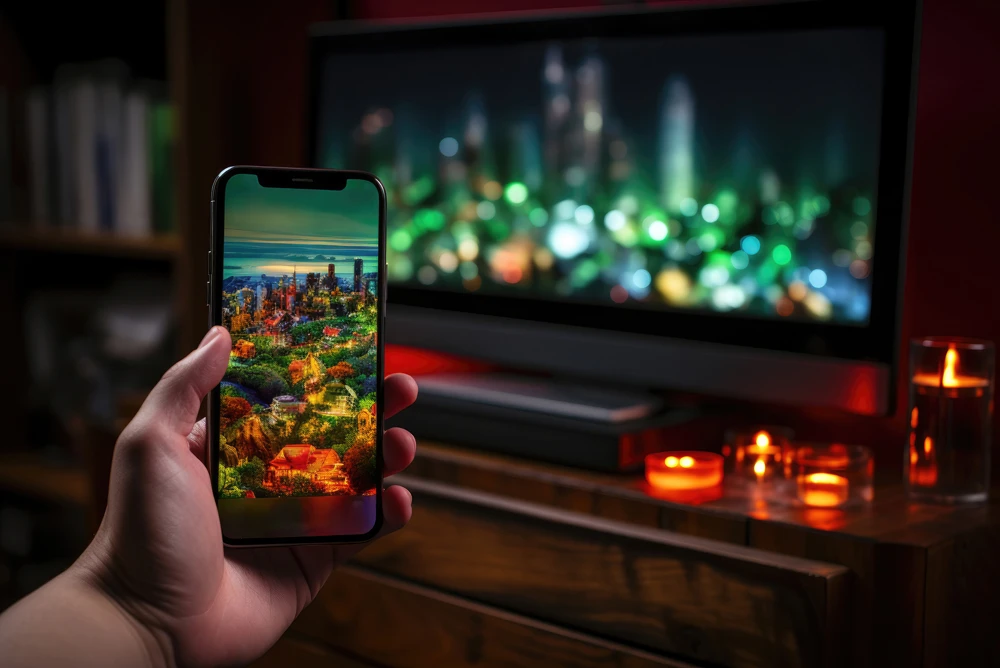

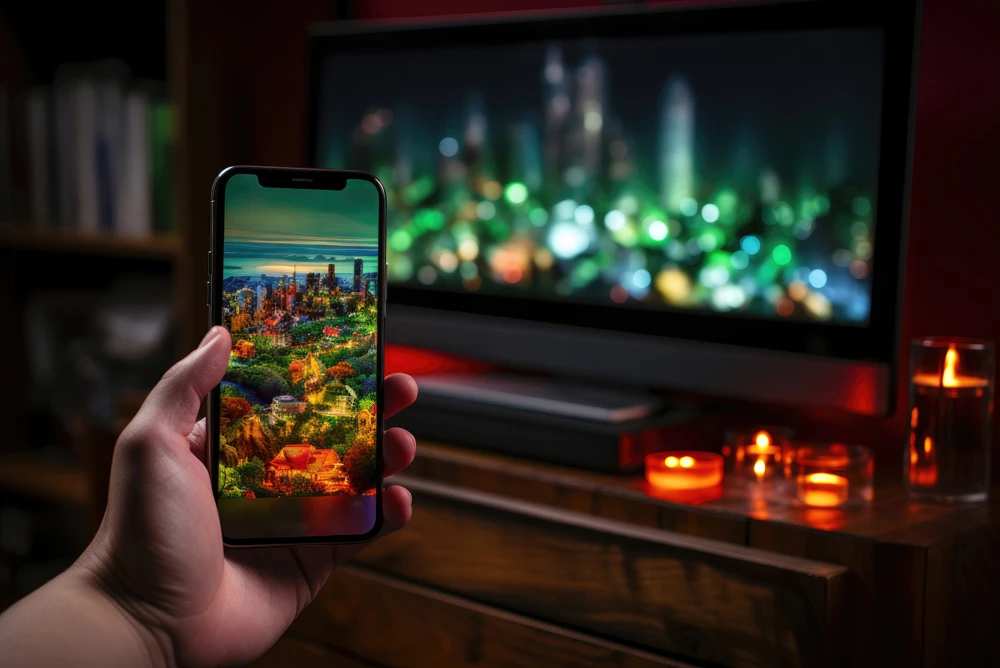
Welcome to our comprehensive iptv installation guide, meticulously designed to help you set up your premium television service quickly and flawlessly in 2026. Upgrading your home entertainment system to a modern internet-based broadcasting network is an incredibly exciting step. It completely frees you from the limitations of expensive traditional cable contracts and opens up a massive global library of live sports, news, and movies. However, the technical setup process can sometimes feel confusing or overwhelming for new users. Whether you are using an Android TV Box, a Smart TV, or a mobile device, this detailed tutorial will break down every single technical step into simple, easy-to-follow instructions.
Table of Contents
Understanding the Basic Requirements in this iptv installation guide
Before you begin pressing buttons on your remote control, it is absolutely essential to prepare the physical foundation of your home network. A successful setup relies heavily on your internet speed and connection quality. Unlike traditional satellite dishes that pull signals from space, modern streaming relies entirely on your local broadband network to download heavy video data packets in real-time.
We strongly recommend a minimum stable internet speed of 30 Mbps for high-definition channels, and at least 50 Mbps if you intend to stream 4K cinematic content. Furthermore, whenever possible, connect your streaming device directly to your internet router using a physical Cat6 Ethernet cable instead of relying on unstable wireless Wi-Fi signals. This prevents sudden screen freezing during live sports events.
Choosing the Right Streaming Device for Your Living Room
The next crucial step in our iptv installation guide is identifying the hardware you will be using. The market is flooded with various devices, each requiring a slightly different setup approach. Premium services work best on modern, powerful hardware capable of decoding advanced video formats.
If you own a relatively new Samsung or LG Smart TV, you can easily download dedicated media players directly from their respective built-in application stores. However, for the absolute best, lag-free performance, industry experts highly recommend using external Android-based hardware. Devices such as the Nvidia Shield TV Pro, Amazon Fire TV Stick 4K Max, or Google Chromecast with Google TV provide significantly more processing power and memory than standard television operating systems.
Downloading and Installing Your Media Player App
Once your hardware is physically connected, you need to download a highly capable media player software. Think of this application as the empty shell or the television set, waiting to be filled with the channel signals provided by your premium subscription. In 2026, the most popular and reliable applications include TiviMate Premium, IPTV Smarters Pro, and XCIPTV Player.
If you are using an Android-based device, simply open the Google Play Store, type the name of the app into the search bar, and click “Install.” If you are using an Amazon Firestick, you will need to use the “Downloader” app to sideload the software. The installation process usually takes less than two minutes on a fast internet connection.
Entering Your API Credentials Correctly
Now comes the most important part of this iptv installation guide: activating your service. Open your newly installed media player application. Most modern apps will present you with a clean login screen asking for your specific subscription details. The industry standard method for logging in is called the “Xtream Codes API.”
Select this login method. You will see four empty fields on your screen. The first field is usually “Name” (you can type anything here, like “Home TV”). The next three fields are critical: Username, Password, and Server URL (also known as the Host URL). Carefully type in the exact details provided by your streaming service provider, paying very close attention to capital letters and special characters. Once entered correctly, click “Add User” or “Login,” and watch as your massive channel list downloads instantly.
Common Troubleshooting Tips for Beginners
Even with a perfect iptv installation guide, minor technical hiccups can occasionally occur. If your channel list fails to load, double-check your typing. A single misplaced letter in the Server URL will prevent the connection entirely. If the channels load but constantly freeze, try restarting your home router to clear the network cache.
Conclusion & Getting a Premium Subscription
By following these straightforward steps, you have successfully transformed your television into a global entertainment hub. A proper setup paired with a high-quality service guarantees a cinematic experience in your living room.
If you are looking for a reliable, high-speed provider to use with your new setup, we invite you to explore our Premium IPTV Packages. Our European servers are designed to handle heavy traffic flawlessly. Grab an IPTV Free Trial today and put your new setup to the ultimate test!