
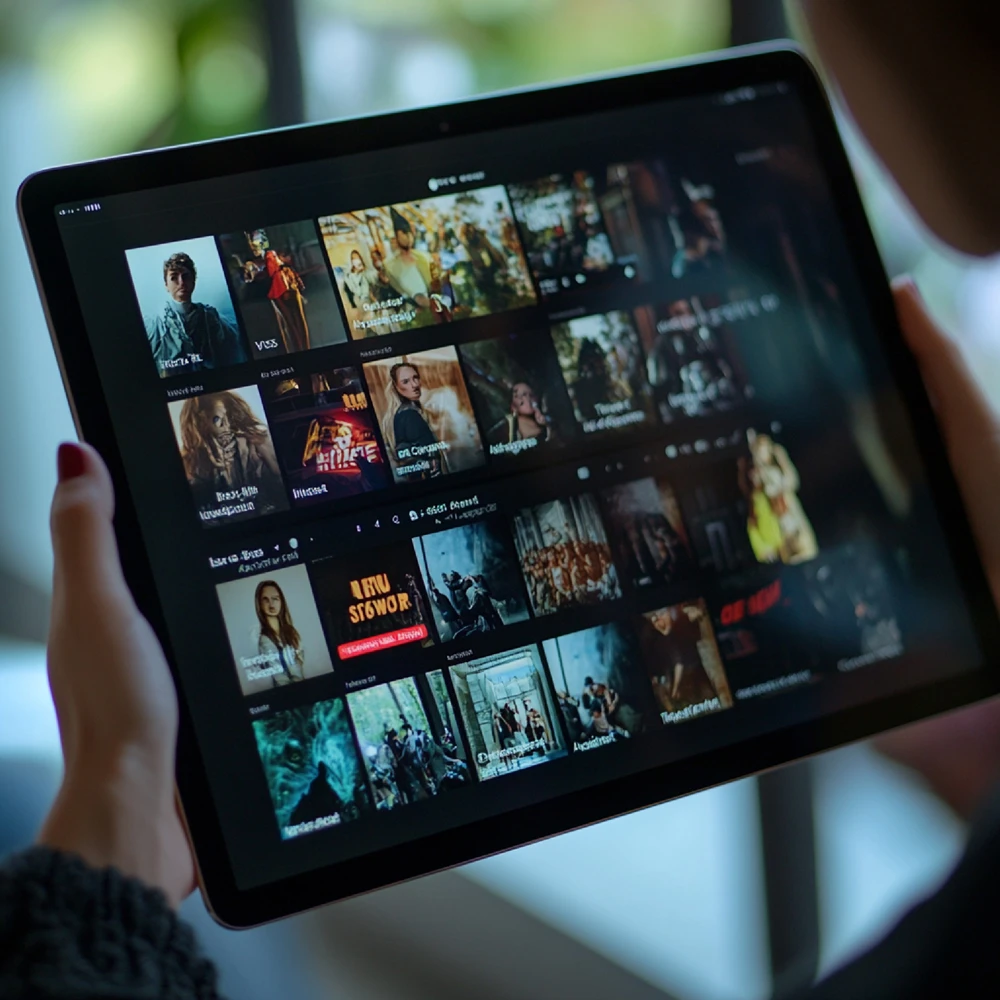

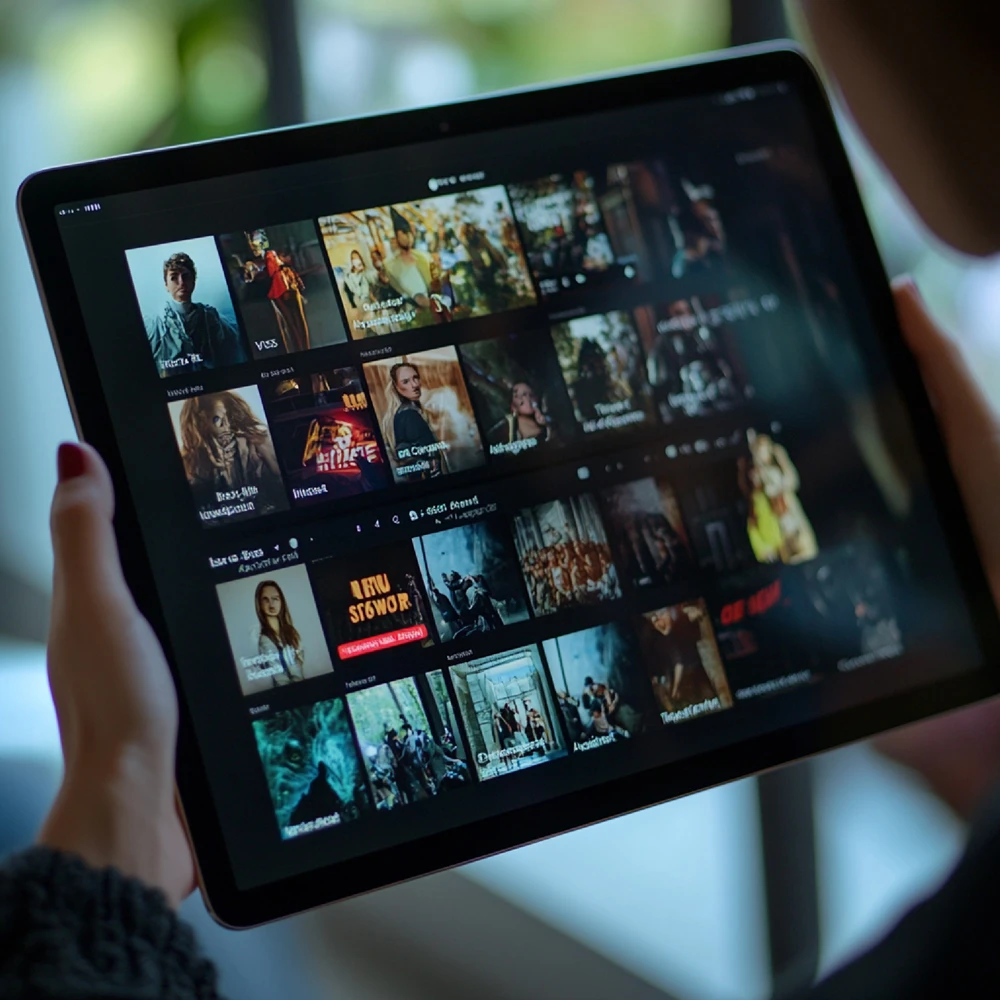
Welcome to our incredibly detailed and highly comprehensive iptv tablet guide, specifically updated for 2026. The way we consume media has drastically evolved over the past decade. We are no longer chained to a heavy, traditional television set in the middle of our living room. Today, portability is absolutely everything. Whether you are commuting on a long train ride, relaxing comfortably in your backyard, or simply lying in bed, modern smart tablets offer the ultimate portable entertainment experience.
Transforming your Apple iPad or Android Galaxy Tab into a fully functional, high-definition television receiver is much easier than you might think. However, mobile streaming introduces unique challenges regarding battery life, wireless data consumption, and application compatibility. In this extensive, step-by-step tutorial, we will break down exactly how to optimize your portable device for a flawless, buffer-free viewing experience.
[rank_math_toc]
Why You Need a Dedicated iptv tablet guide
Following a dedicated iptv tablet guide is crucial because streaming on a mobile operating system is fundamentally different from watching on a traditional Smart TV. Televisions are permanently connected to power outlets and are often hardwired directly to the internet router. Tablets, on the other hand, rely entirely on fluctuating Wi-Fi signals and limited battery capacities.
If you simply download a random app and start streaming a heavy 4K football match, your device will likely overheat, and your battery will completely drain within an hour. Understanding how to manage software decoding and network stability is essential for prolonged viewing sessions. For more technical background on portable devices, you can read the Wikipedia article on Tablet Computers.
Top Streaming Applications for iPads and Androids
The first critical step in our iptv tablet guide is selecting the right software. Not all media players are optimized for touchscreens. A bad interface will make navigating thousands of channels incredibly frustrating.
If you are using an Apple iPad, your absolute best options are “IPTV Smarters Pro” or “GSE Smart IPTV,” both available directly from the official App Store. These applications offer beautiful, touch-friendly interfaces with gesture controls for volume and brightness.
For Android tablet users (like Samsung Galaxy Tabs), “TiviMate Companion” and “Televizo” are the undeniable kings of the market. Televizo, in particular, is extremely lightweight, ad-free, and handles massive M3U playlists in just a few seconds without crashing.
Crucial Battery and Data Saving Tips
A major focus of this iptv tablet guide is preserving your device’s battery life. Continuous high-definition video rendering is one of the most power-hungry tasks a processor can perform. To double your viewing time, always lower your screen brightness by at least 20% to 30%.
Furthermore, dive into the settings of your chosen media player and switch the video decoder from “Software” to “Hardware” (HW+). This shifts the heavy lifting from the main CPU to the graphics chip, which is significantly more energy-efficient.
If you are watching live television over a cellular network (4G or 5G) while traveling, data consumption is a serious concern. A single hour of 1080p streaming can consume up to 3GB of data. Always try to manually lower the stream resolution to 720p in the app settings to save massive amounts of mobile data.
Conclusion: Elevate Your Portable Entertainment
By diligently applying the optimization techniques outlined in this iptv tablet guide, you can easily transform your portable device into a powerful, long-lasting global cinema. Say goodbye to boring commutes and limited viewing locations.
To truly maximize your tablet’s stunning display, you need a reliable provider with highly stable, buffer-free servers. We warmly invite you to explore our Premium IPTV Packages designed specifically for mobile and multi-device streaming. Ready to watch television anywhere? Claim your IPTV Free Trial today and experience absolute freedom!